日本語

Parapara

パラパラ — the sound of flipping pages

Speed-read any page right where it is. Press one shortcut and a small card floats over the article, showing the text a few words at a time.

Add to Chrome — it’s free

If Enhanced Safe Browsing is turned on in Chrome, you may see “This extension is not trusted by Enhanced Safe Browsing” when adding it. Chrome shows this for every extension from a recently published developer; it does not mean a problem was found. You can still continue with the installation.

What it does

Never lose your spot

The sentence you are reading lights up in the original page. Pause and keep reading normally.

Built for technical reading

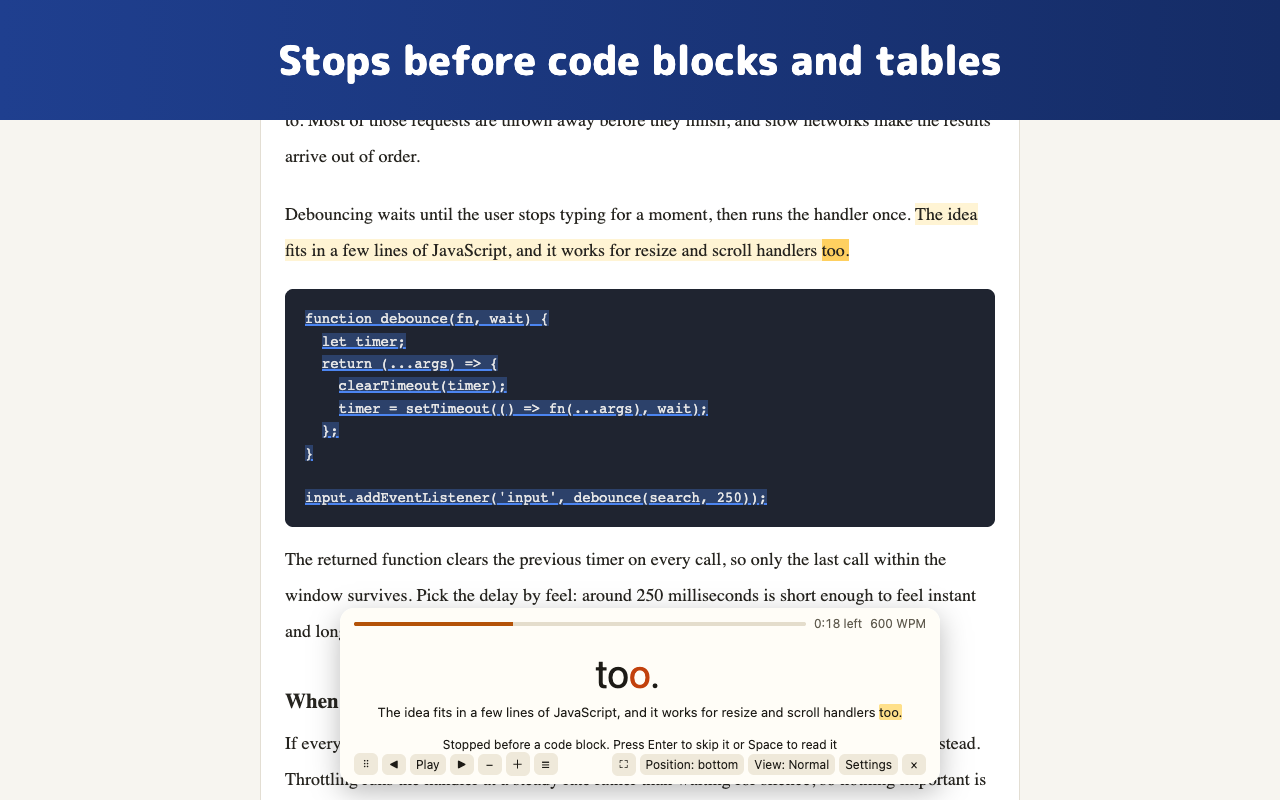
Stops before code blocks, tables and math instead of flattening them into a word stream.

No selecting, no right-click

Press Alt+V (Option+V on macOS) to outline what you can read, then start from any paragraph.

Private by design

Everything runs on your computer. No analytics, no ads, no account.

Screenshots
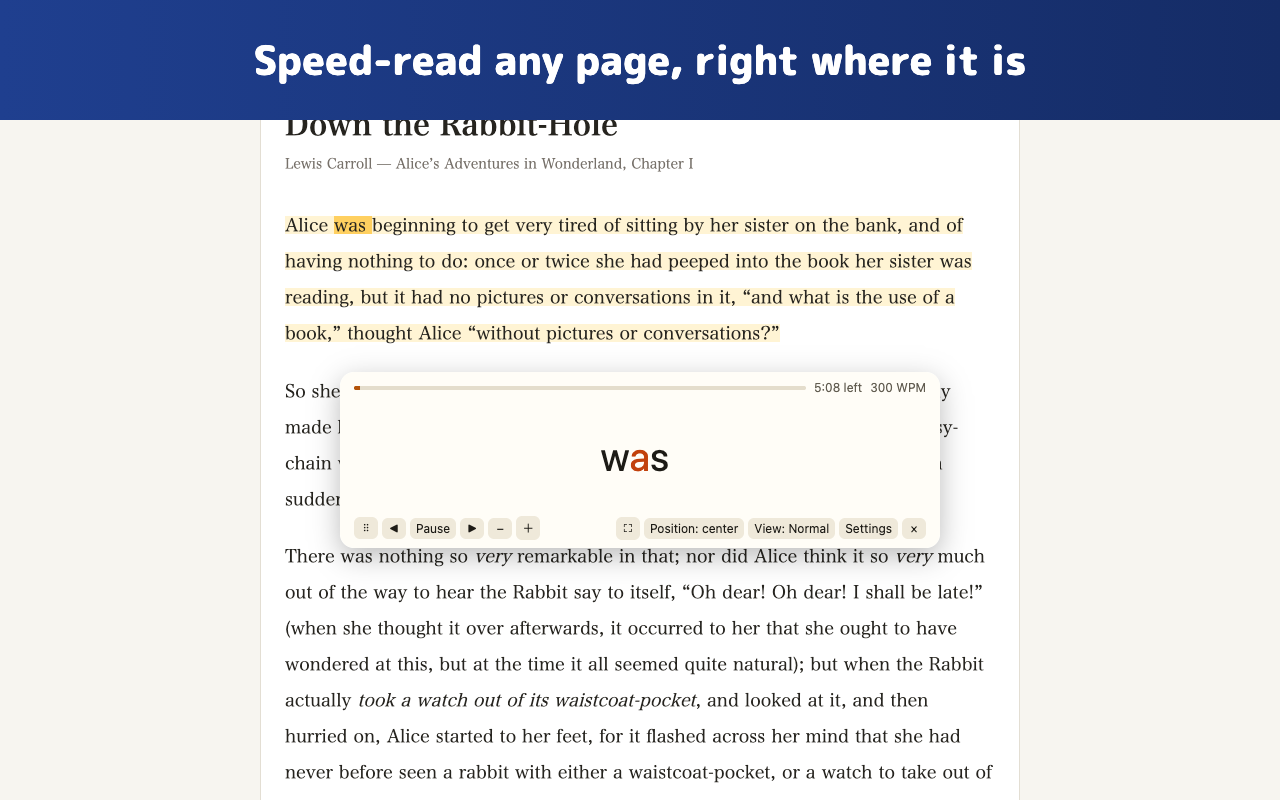
A reading card floating over a story, showing one word at a time Reading paused before a code block, with the code highlighted on the page

Support development ☕

Parapara is free with no usage limits. If you enjoy it, buying me a coffee keeps development going.

☕ Support on Ko-fi